


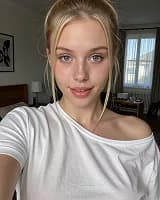
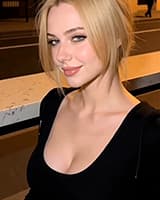
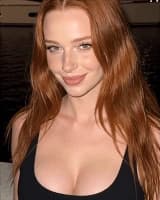

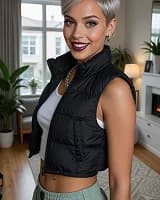













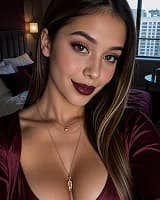

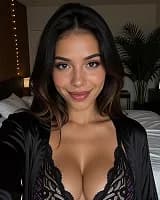

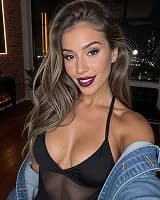


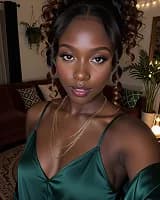


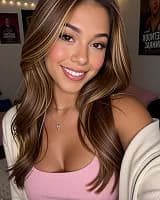


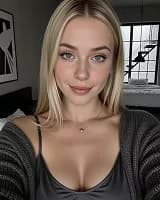
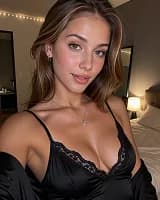

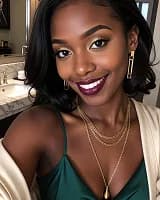

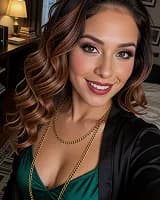


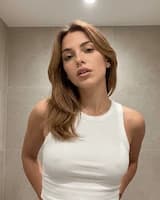



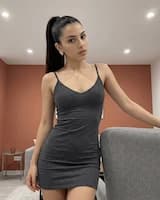
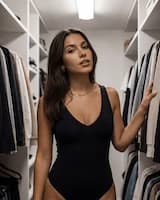


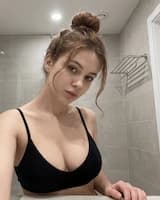

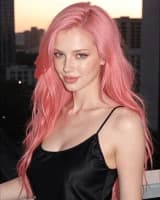


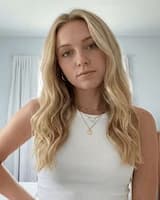



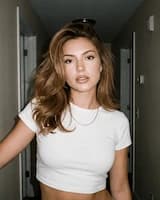




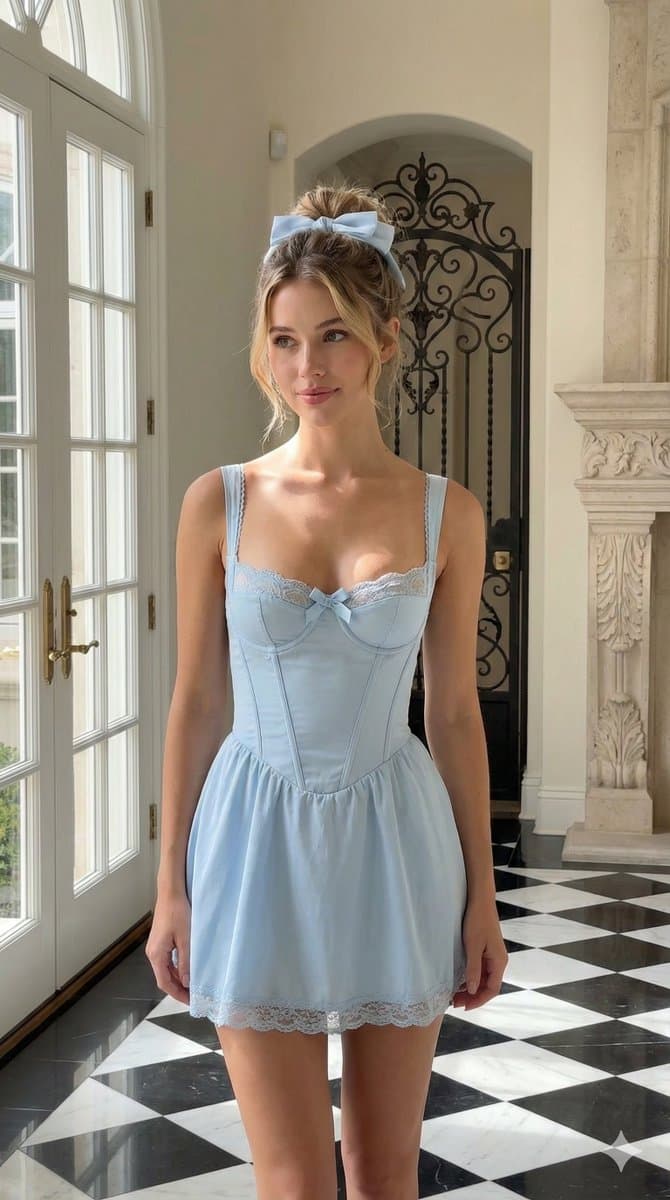











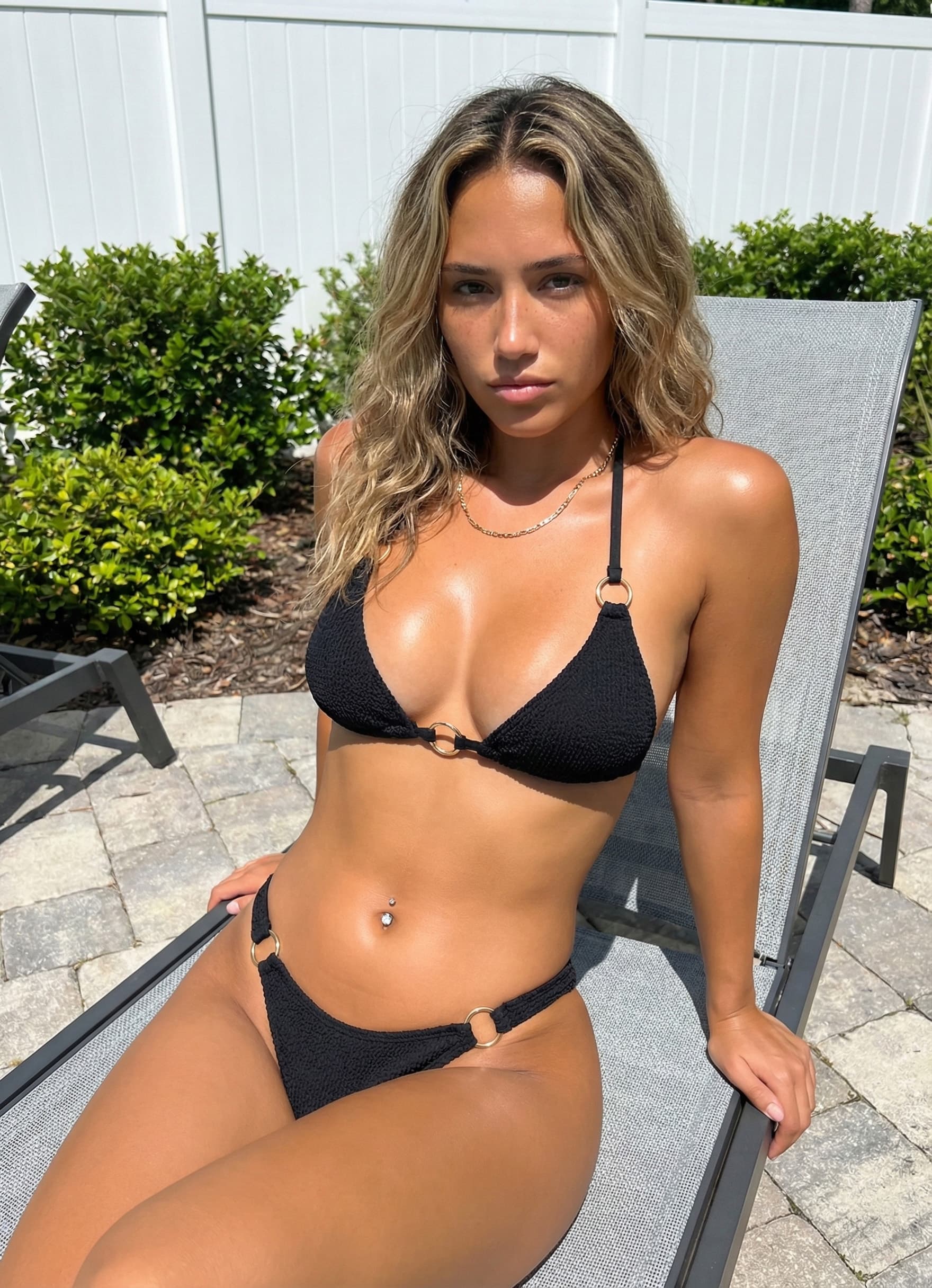
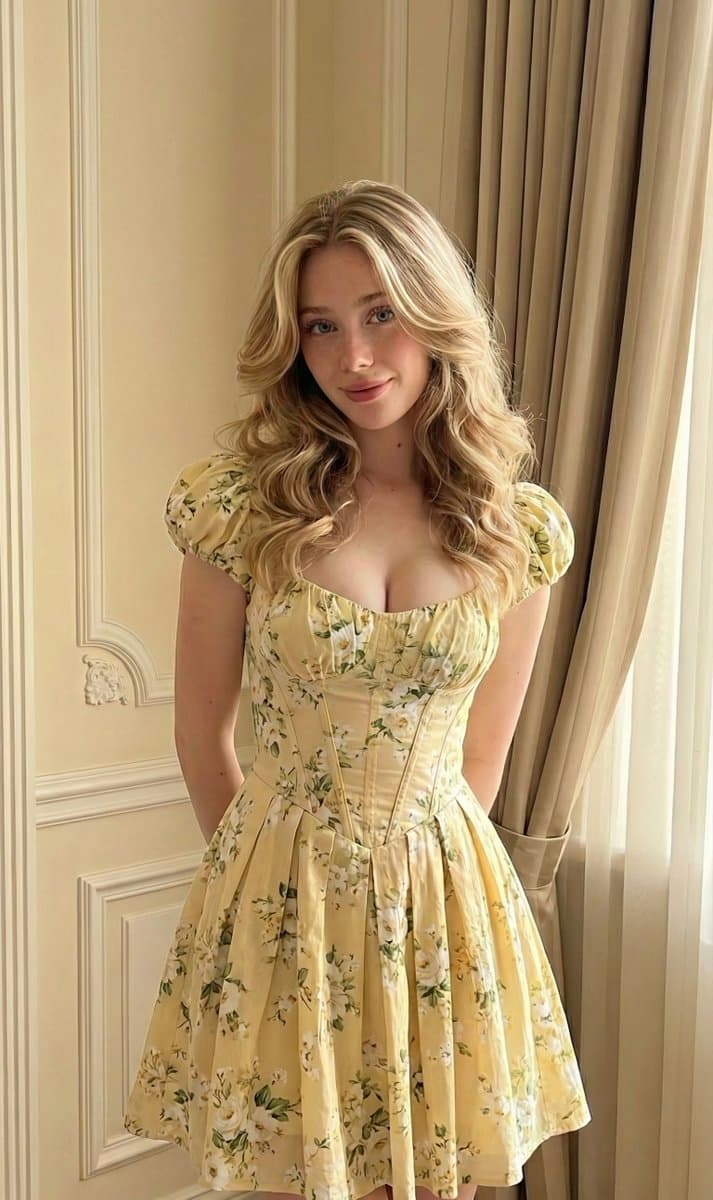

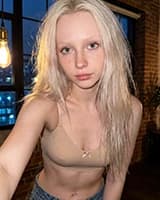



Start with the motion cue
Pick the template whose preview already matches the pose, framing, and subject count in your source image.
Video templates
Selection guide
Use this selection guide after you browse the gallery to compare adult AI video templates by movement type, crop requirements, and source image fit.
Pick the template whose preview already matches the pose, framing, and subject count in your source image.
Use templates whose source guide preserves the body area, camera angle, and motion margin the result needs.
Each template page has its own source-image checklist, expected result notes, related templates, and FAQ.
These clusters reuse the same source-fit vocabulary as the individual template pages, so you can choose a template family before opening a detail guide.
Use when the source image already makes chest, torso, shoulders, hands, or upper-body boundaries readable.
Decision rule
Prioritize crop stability, torso visibility, lighting continuity, and whether another upper-body template needs less reconstruction.
Use when legs, hips, feet, pelvis, or lower-frame movement are the reason the template can work.
Decision rule
Prioritize limb direction, lower-frame space, pose continuity, and whether the still gives enough room for motion.
Use when the template depends on clear facial detail, expression, gaze, mouth shape, or gesture-led character energy.
Decision rule
Prioritize face sharpness, expression readability, blocked features, and whether the result can preserve identity cues.
Use when camera angle, contact point, hands, mouth area, or close interaction cues determine whether the motion is plausible.
Decision rule
Prioritize perspective match, occlusion, contact-point visibility, and whether an adjacent interaction template fits the still more directly.
Use when subject count, body spacing, position, and partner-aware framing define the template choice.
Decision rule
Prioritize position evidence, body spacing, contact alignment, and whether the upload supports the expected subject arrangement.
Use when silhouette, styling, clean background, fantasy cue, or transformation room matters more than body motion alone.
Decision rule
Prioritize clean outlines, readable styling, effect margin, and whether another effect template matches the source cue more cleanly.
The best template is usually the one that asks the generator to animate what the image already shows.
| Source image | Best-fit templates | Why it works | Avoid |
|---|---|---|---|
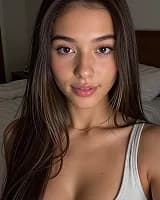
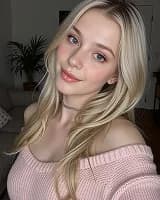
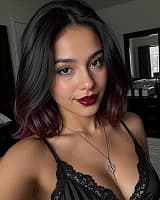
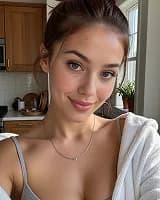
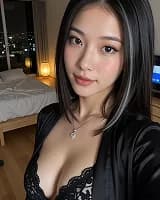
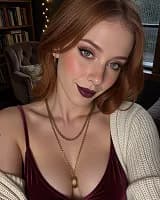
| Face-forward portrait or selfie | Face and expression source fit and Upper-body source fit | The model can preserve facial identity, eye direction, and expression detail while adding controlled motion. | Avoid lower-body or partner templates because the missing body area gives the motion template too little context. |
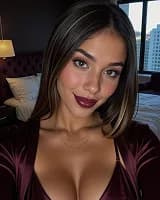
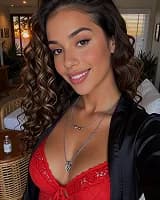
| Chest-up or waist-up image | Upper-body source fit and POV and interaction source fit | A one image to AI video workflow is strongest when the important moving area is already inside the crop. | Avoid templates that need visible legs, feet, or a full seated/standing pose. |
| Full-body standing or seated pose | Lower-body and pose source fit and Partner and position source fit | Full-body framing gives the generator room to animate hips, legs, feet, and camera movement without guessing the crop. | Avoid tight face-only templates if the face is small, blurry, or far from the camera. |
| Low-angle, POV, or kneeling crop | POV and interaction source fit and Partner and position source fit | These images already match the perspective used by many private AI video generator templates. | Avoid side-view or wide partner templates when hands, face, or key contact points are hidden. |
| Two-person or partner-aware image | Partner and position source fit and Face and expression source fit | Matching the preview subject count and body placement reduces warped limbs, broken contact, and identity drift. | Avoid single-subject templates unless one person is clearly the intended subject. |
| Stylized image with clean silhouette | Special effect source fit | A clear outline and simple background help effects read as intentional instead of noisy. | Avoid busy backgrounds, cropped limbs, or overlays that compete with the effect. |
Use these checks when a template looks close but you are not sure whether the source image gives it enough visual context.
Start with the preview, not the name. Choose the motion template whose pose, crop, camera angle, and subject count already look closest to your source image.
Use a clear, high-quality image where the face and the body area required by the template are visible. The best source image fit usually has simple lighting, minimal occlusion, and enough margin for movement.
Common causes include a crop that hides the moving body area, a mismatched camera angle, unclear hands or limbs, low resolution, heavy filters, or choosing a partner template for a single-subject image.
Templates help you spend credits more deliberately by narrowing the motion before you generate. Review the preview and source fit notes before submitting a run.
Use only images you own or have explicit permission to use. Treat private AI video generator templates as sensitive tools, and never upload a source image of someone who has not consented.